
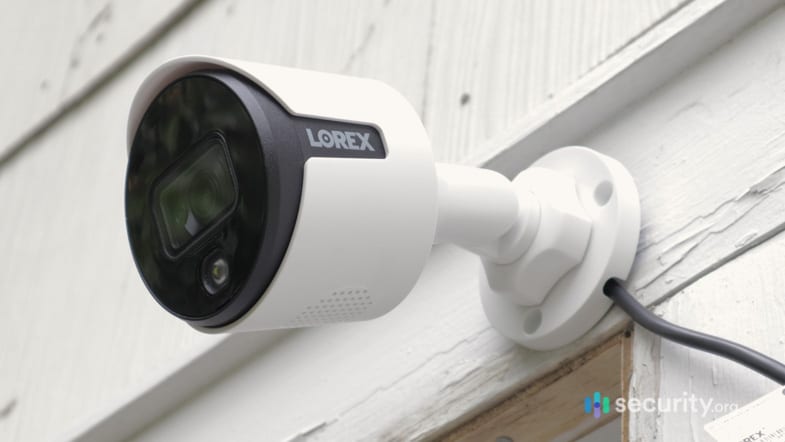
1. Lorex – Best Overall Outdoor Cam
Product Specs
| Resolution | Up to 4K HD |
|---|---|
| Field of View | Up to 180° |
| Power | Wired, battery, PoE |
| Connectivity | Wi-Fi, ethernet |
| Video Storage | Cloud, Local |
| Smart Platform Compatibility | Alexa and Google Home |
What jumps out immediately about Lorex is that it offers more than just a handful of outdoor camera options. Lorex offers dozens of packages that include different types of outdoor cameras, like bullet cameras such as the ones we see in malls and dome-type cameras typically installed under an eave. They are some of the sturdiest cameras, too. Some of them can withstand external forces up to 22 lbs in addition to being waterproof and dust-tight.
From that description, you’re probably picturing old-school CCTV-type cameras that don’t offer many features. Well, we were surprised when we tested Lorex because it has features normally only seen in “smart security cameras” like Nest Cam and Arlo. We’re talking about streaming in 4K resolution, person and animal detection, and even facial recognition.
>> More info: Best 4K Security Cameras
Scalability of Lorex Security Camera Systems
Lorex is also surprisingly affordable. Our Lorex system with four outdoor cameras and a DVR cost us only less than $600 – that’s a little more than $100 per piece, not counting the DVR. At that price, you can have enough cameras to cover every corner of your property, whether you have a small yard or a yard the size of a football stadium.
Of course, you’d want to maximize your cameras, so choose your camera placement wisely. We’d also recommend buying a smaller bundle. It’s better to buy more cameras a la carte style than waste money on one too many cameras.
You should also note that not all Lorex cameras and DVRs work together. You’d need to pick a camera that works with your specific DVR model, and with the amount of options available, that can be confusing. So when shopping for additional Lorex cameras, always check that they work with your DVR.
Continuous Local Recording
A Lorex system typically includes a DVR or NVR. The purpose of that device is to store videos, because most Lorex cameras record continuously. That’s another advantage of Lorex outdoor cameras. A lot of things can happen outdoors. With most outdoor cameras recording only when triggered, it would be easy to miss important events. But with Lorex, every second of every day is recorded until the DVR or NVR is full.
In our experience, a 1 TB NVR can hold about two to three weeks worth of 1080p videos from one camera. That means if you have five cameras, you’d only get about three to five days of recordings. That said, you can expand the storage space by adding more hard drives. Our DVR can hold up to four, including the 1 TB drive already plugged in. So if you need more storage, you can always upsize. More points for Lorex’s scalability.
2. Nest – Best DIY Outdoor Cam
Product Specs
| Resolution | Up to 1080p with HDR |
|---|---|
| Field of View | Up to 130° |
| Power | Wired, battery |
| Connectivity | Wi-Fi |
| Video Storage | Cloud |
| Smart Platform Compatibility | Alexa and Google Home |
Nest, a Google-owned brand, is a leading smart home and home security brand. It offers products like video doorbells and smart speakers, but their flagship home products belong to the Google Nest Cam line of security cameras. Two of those cameras work outdoors.
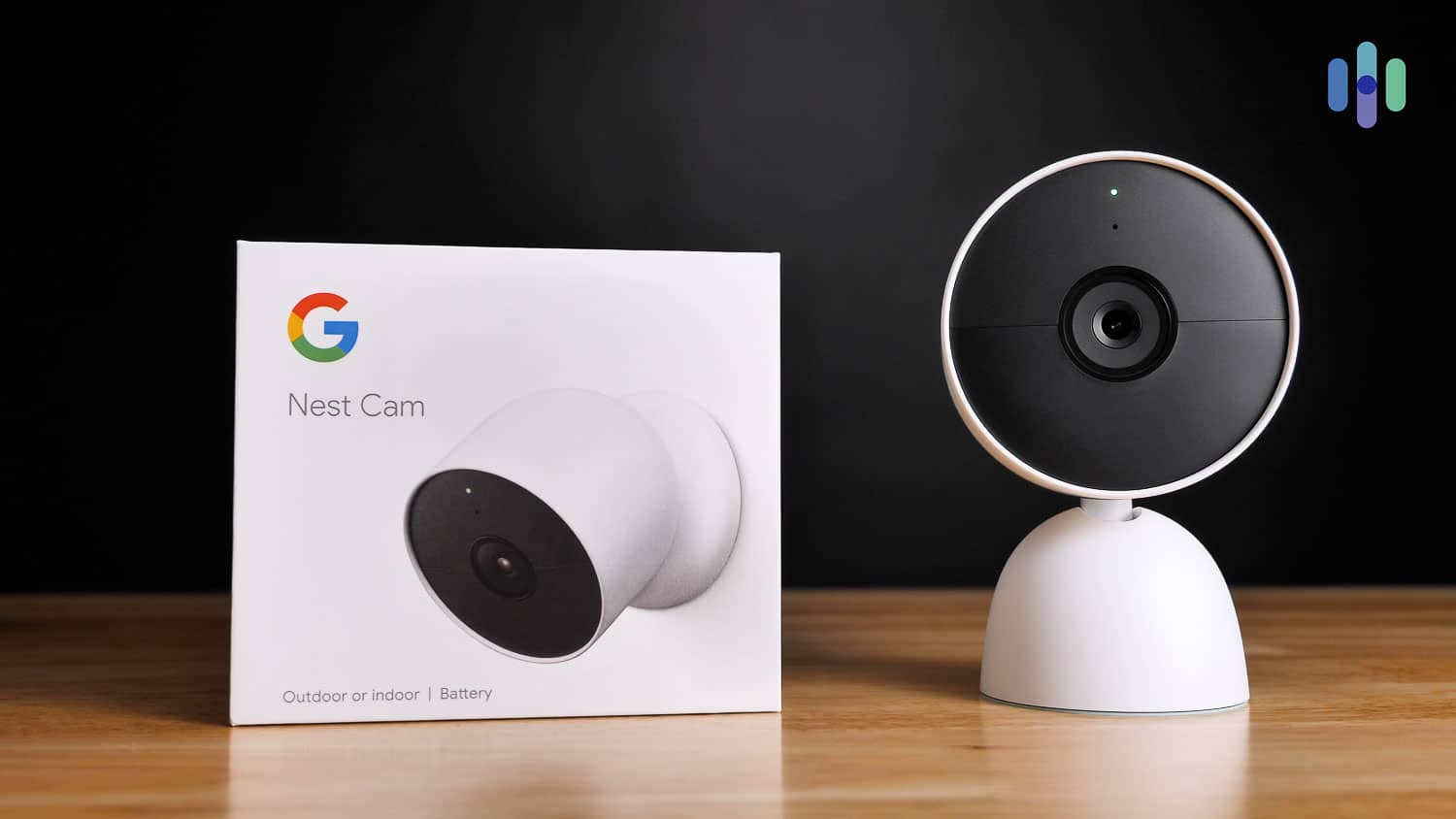
The best outdoor camera in Nest’s lineup is the Nest Cam (battery). As the name suggests, this small but sturdy camera comes with a battery, making installation a breeze. You don’t need to plug it in or connect it to a recorder. A strong Wi-Fi signal and a fully-charged battery is all it needs.
And while the other outdoor camera, the Nest Cam Floodlight, requires hardwiring, it’s relatively easier to install than other smart light-equipped cameras. If you buy the Nest Cam Floodlight, it comes with complete mounting accessories, including wire connectors, mounting plates, and even screws. And since it’s hardwired, you’ll never have to take down the Nest Cam Floodlight to recharge.
About CVR, Do-It-Yourself Monitoring, & Pro Monitoring
Nest requires a monthly subscription to store videos, since none of the Nest cameras offer local storage. There are two options, both of which can cover any number of cameras under one plan. The first option, Nest Aware, costs $8 per month or $80 per year and includes 30 days of cloud storage along with intelligent alerts (e.g. Familiar Face alerts).
The second option, which is what we recommend, is Nest Aware Plus. It costs $15 per month or $150 per year and includes 60 days of event history plus 10 days of continuously recorded footage from a Nest camera. We like the continuous recording option, in particular, as it makes sure you don’t miss anything.
Compatibilities
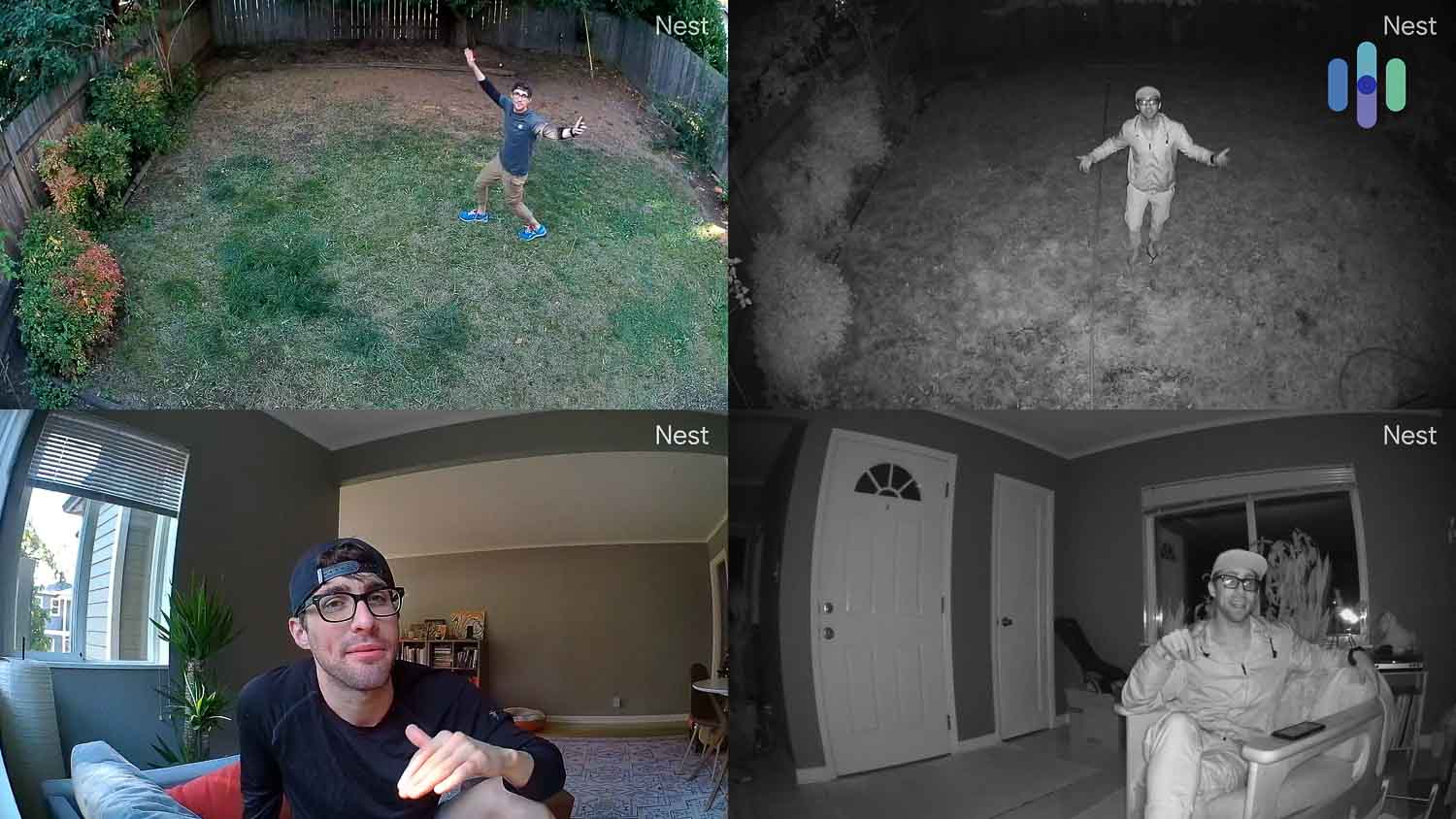
Nest security cameras had best-in-industry compatibility with Google Assistant. By incorporating a Google Home speaker, we controlled our security cameras and video with phrases like “Hey Google, show the garage camera.” We live-streamed, saved video to our tablet, used Chromecast TV, and more.
We also used voice to control other equipment monitored by the Nest hub. For example, we got a child’s room ready for bed by saying, “Okay, Google. Dim the lights in the baby’s room.”
Overall, Nest was the best option for DIY security cameras with continuous recording. They even offered professional installation for $79. Nest Aware pricing is competitive, too, at $6 per month.
3. Arlo – Best Wireless Outdoor Security Cameras
Product Specs
| Resolution | Up to 4K HD |
|---|---|
| Field of View | Up to 180° |
| Power | Wired, battery, solar, PoE |
| Connectivity | Wi-Fi, ethernet |
| Video Storage | Cloud |
| Smart Platform Compatibility | Alexa and Google Home |
For people seeking totally DIY home security, Arlo offered the best selection of outdoor wireless security cameras for $189 and up. Color night vision, floodlights, and facial recognition were among their special features. We chose from three lines of cameras that worked indoors or out. The main difference among these was the resolution: 1080p for the Essential line, 2K for the Pro line, and 4K for the Ultra.
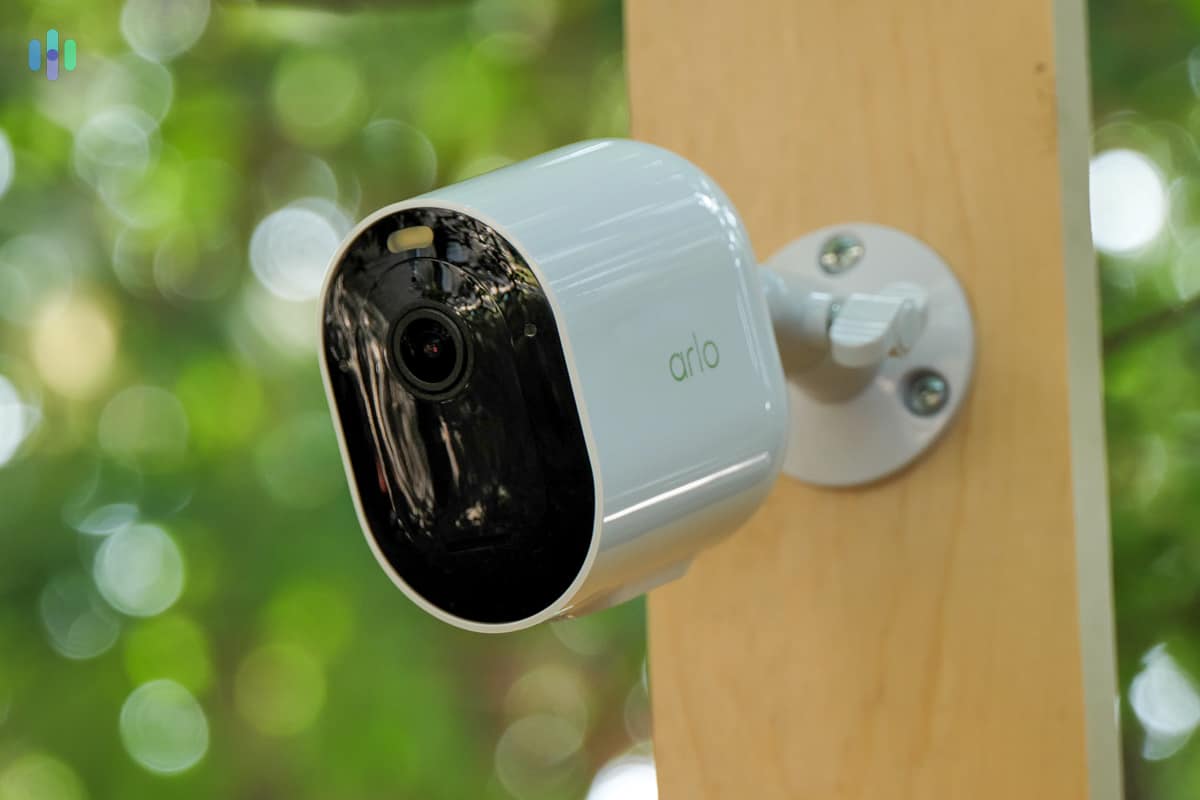
We liked the Pro line in particular because it offered a good balance of price and features. The Arlo Pro 4, which costs $199, offers a 2K HD resolution with HDR, person detection, a built-in smart spotlight, up to 12 times digital zoom, and a six-month battery life.
The Arlo brand was also a great option for indoor video security. The Essentials Indoor, which is a plug-in indoor camera, is particularly popular because of its affordable price (around $60), clear video quality (1080p HD), and affordable cloud storage. And since Arlo’s app can stream from all Arlo-branded security cameras, you can build an entire security camera system combining Arlo’s impressive outdoor camera features with its affordable indoor cameras.
>> Related: Defender Security Camera Review
Monitoring Arlo Cameras
The Arlo app made monitoring Arlo cameras a breeze. All the cameras we added to our account appeared on the app, and from there, we were able to check on them, use features like two-way talk, activate their built-in smart lights and sirens, and review recordings.
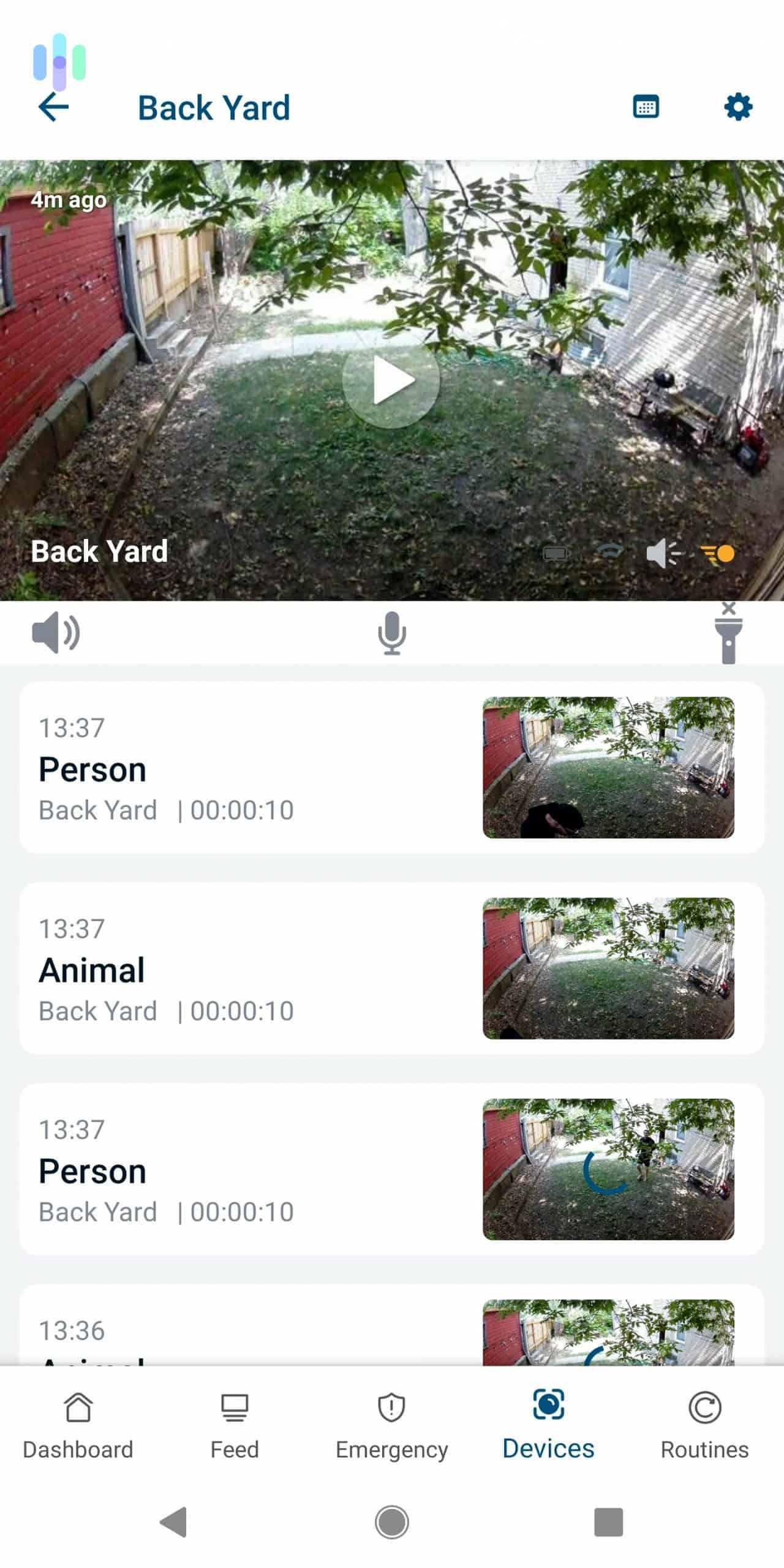
Speaking of recordings, Arlo cameras need a cloud subscription. You can get one for one Arlo camera for $4.99 per month, which we admit is a little pricey especially since there are options like the Wyze Cams that have limited free cloud storage. If you have multiple Arlo cameras though, you can make your subscription worthwhile by upgrading to the $12.99 premium service. For that price, Arlo will store recordings from an unlimited number of cameras. The more cameras you add, the more value you’ll get.
Features
Some special features of Arlo Pro outdoor security cams include:
- Wire-free installation
- Color night vision
- Motion-activated spotlights
- Facial recognition
- White, black, and camouflage print
- Arlo Pro 3 and Arlo Ultra support Apple HomeKit.
Arlo’s main products were indoor cameras, outdoor cameras, and security floodlights. All in all, Arlo has the best deals on high-end home security cameras that we monitored ourselves. Their three weatherproof options covered the spectrum from 1080p to 4K, with infrared or color night vision. Discounts were given on two or more, and Arlo cloud storage for continuous video recordings was low-priced.
4. Ring – Best Outdoor Security Cameras for Alexa
Product Specs
| Resolution | Up to 1080p |
|---|---|
| Field of View | Up to 155° |
| Power | Wired, battery, PoE, solar |
| Connectivity | Wi-Fi, ethernet |
| Video Storage | Cloud |
| Smart Platform Compatibility | Alexa and Google Home |
Ring first made it big with rather small cameras: doorbell video cameras about 2.5 inches wide and five inches tall. At the time of our review, Ring provided video security for entire properties, from the foot of our driveway to inside our home. As camera owners, we handled video security 100 percent independently instead of paying Ring for professional backup.
Great Selection of Outdoor Cams
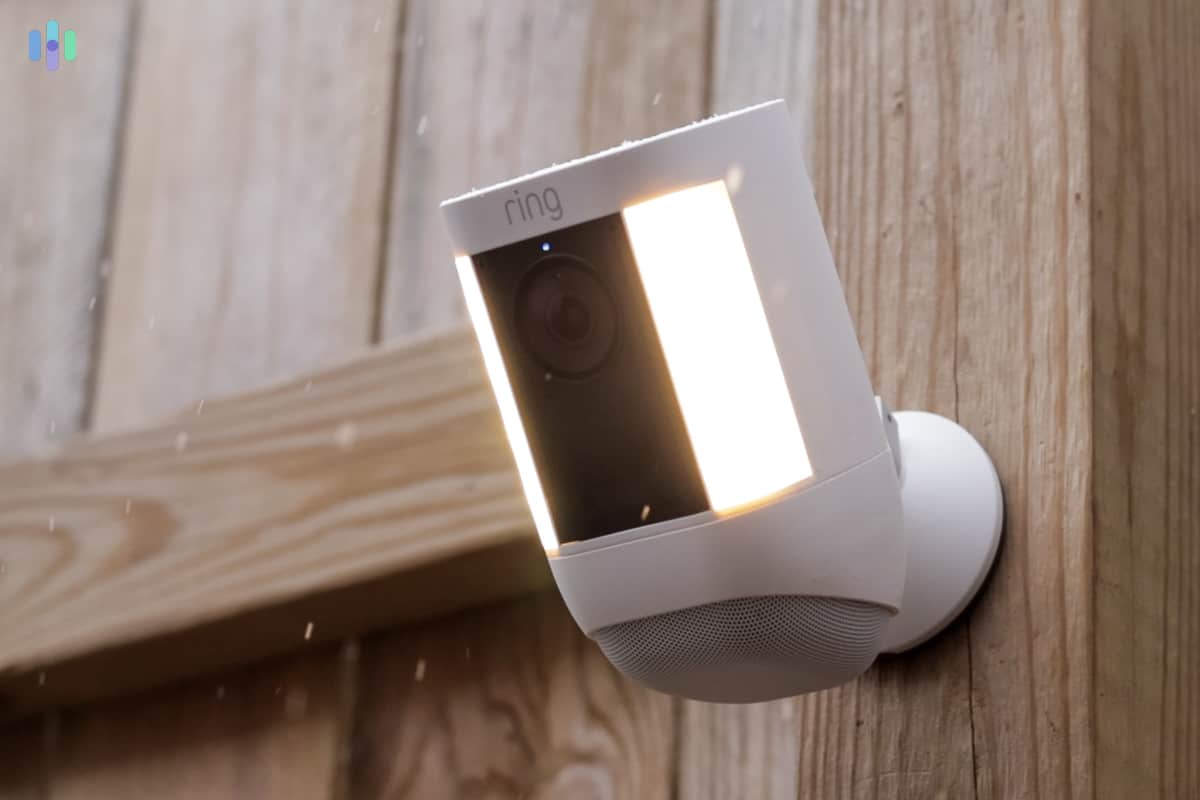
The outdoor security camera selection from Ring was impressive. While other companies had just one or two models, Ring had multiple options. For power, we were offered our choice of batteries, solar energy, or plug-in equipment. The cameras were priced fairly and had the best outdoor security features overall. Before discounts, Ring outdoor cameras started at $99 and up. Examples of special features on Ring’s weatherproof cameras included sirens, two-way talk, LED floodlights, and infrared night vision. The 100-decibel sirens on Ring’s outdoor cameras were activated via the motion of a trespasser or when we pressed a button in our Ring mobile app.
>> Learn More: Best Solar-Powered Security Cameras
Now, if you want security sensors in addition to security cameras, you could integrate a Ring Alarm security system. It’s a simple DIY solution with wireless sensors for security and home safety. The Ring Alarm is great for indoor monitoring, and with Ring’s outdoor cameras keeping watch of the perimeter, you’ll have a ring of security around your home.
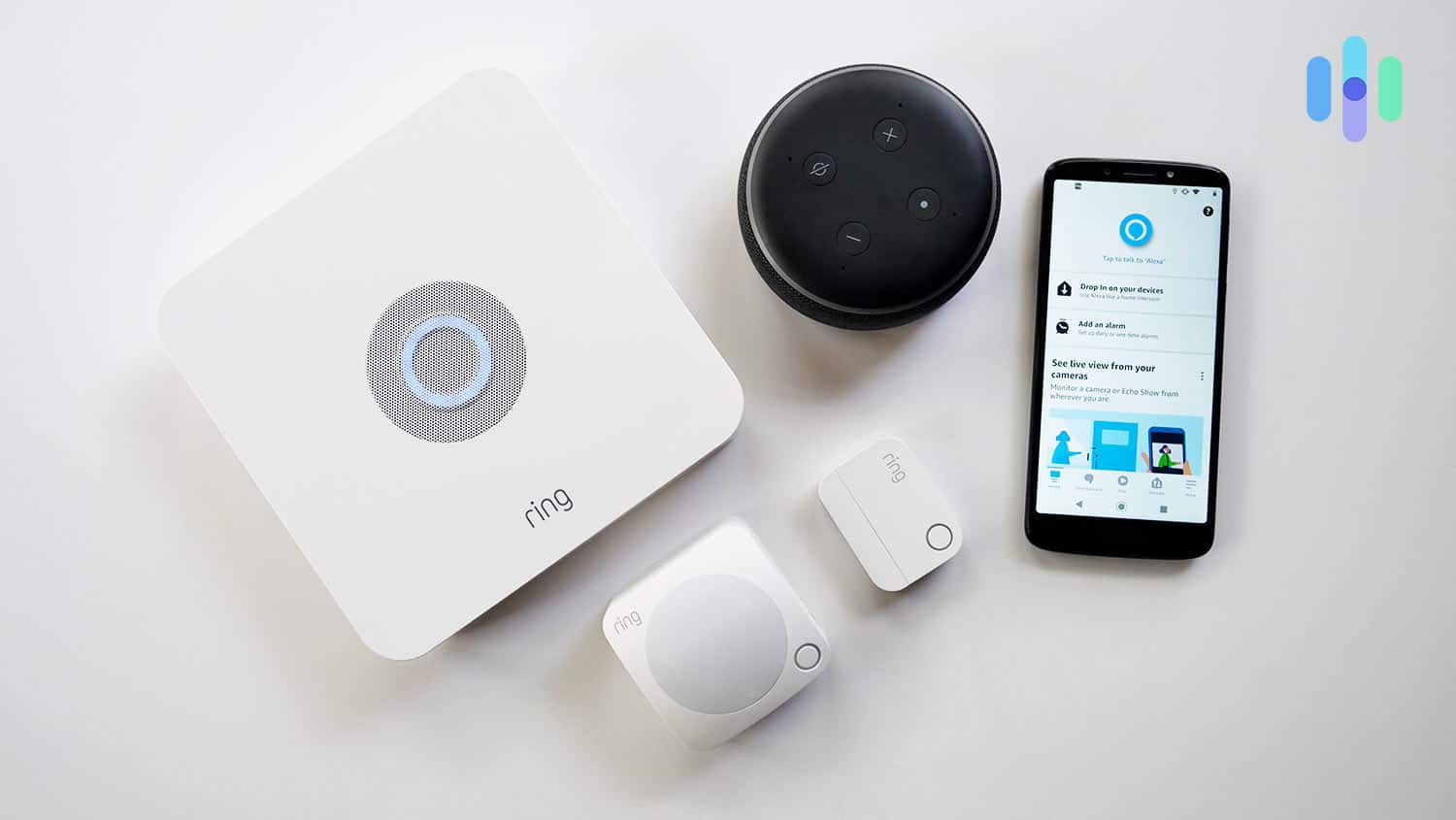
We also liked that Ring integrates well with Alexa, the Amazon-made voice assistant. In particular, we enjoyed using Ring cameras with Alexa smart displays like the Echo Show 8 we reviewed. We could say commands like, “Alexa, show me my front lawn,” and the Ring cameras would start streaming live footage.
Ring works with Google smart displays too, like the Google Nest Hub we reviewed, but since Ring is owned by Amazon, we much preferred using Alexa.
These features were included with some or all weatherproof Ring camera models:
- 1080p resolution
- Custom motion zones
- Infrared night vision
- Two-way talk
- Spotlight
- Siren
Typical setup time took five to 20 minutes per security camera, depending on its design, and no hardwiring was required.
Affordable DIY and Pro Monitoring
DIY monitoring of Ring cameras with cloud video storage started at $3.99 per month, which was a best-in-industry deal. Ring securely stored all motion-triggered clips for our review, and we could keep the clips for up to 60 days each. For comparison, the cheapest Nest camera plan was $6 per month and included only 30 days of storage. Unfortunately, Ring did not let us record continuously, so only motion-triggered clips were saved, but for those with multiple cameras, a $10 per month plan exists that can store videos from any number of cameras installed in one location.
5. Wyze Cam Outdoor v2 – Best with Local Video Storage
Product Specs
| Resolution | Up to 2K HD |
|---|---|
| Field of View | Up to 130° |
| Power | Wired, battery, solar |
| Connectivity | Wi-Fi |
| Video Storage | Cloud, local |
| Smart Platform Compatibility | Alexa and Google Home |
Wyze is best known for its value cameras, and the Wyze Cam Outdoor v2 is one of the latest additions from the brand. At $73.99 for a starter kit, it’s definitely a good purchase. It has a slew of value-adding features, like its six-month battery life, its use of PIR motion detection, and its ability to listen for smoke and CO alarms.
Our favorite feature has to be its support for local storage. Like most cameras from Wyze, the Wyze Cam Outdoor has an expandable local storage via a microSD card. It supports microSD cards up to 32 GB, and simply plugging one into the camera activates continuous recording. Even though the camera is small, it’s quite capable of protecting homes because of that.
The Wyze Family
The Wyze Cam v2 is just a part of the larger Wyze family of security cameras. And technically, almost every Wyze camera model can work as an outdoor camera. The base model, the Wyze Cam v3, is IP65 weatherproof. Just give it an outdoor-ready power cord and it’ll work outdoors.
The same is true for the more AI-heavy Wyze Cam v3 Pro, which has the same body as the Wyze Cam v3 but an upgraded 2K image resolution and faster AI detection.
Together, these other Wyze cameras can help the battery-powered Wyze Cam Outdoor make your home more secure.
Affordable Cloud Storage and Monitoring
Another thing that sets Wyze apart from the competition is that it can be monitored professionally, just like a home security system.
Here’s how it works:
When the monitored camera is triggered, its AI will kick in to determine if a person triggered the motion sensor or something else. If it’s not a person, it will only notify you. If it’s a person, the camera will send footage to the monitoring center. There, an agent will verify the alarm. If it’s a real alarm, they’ll try to get in touch with you and at the same time call the police if necessary.
Professional monitoring is available through the Wyze Cam Protect plan, which costs $3.99 per month per camera.
6. Blink Outdoor – Most Affordable Outdoor Cameras
Product Specs
| Resolution | Up to 1080p |
|---|---|
| Field of View | Up to 143° |
| Power | Battery, wired, solar |
| Connectivity | Wi-Fi |
| Video Storage | Cloud, local |
| Smart Platform Compatibility | Alexa |
Blink sells dependable security cameras for as low as $34.99 and up and outdoor cameras (named Blink Outdoor) for as low as $99.99. Its cameras include mobile alerts and a bit of local storage via the Sync Module 2 without monthly fees, helping the brand and the Blink Outdoor take credit for being the most affordable outdoor camera option.
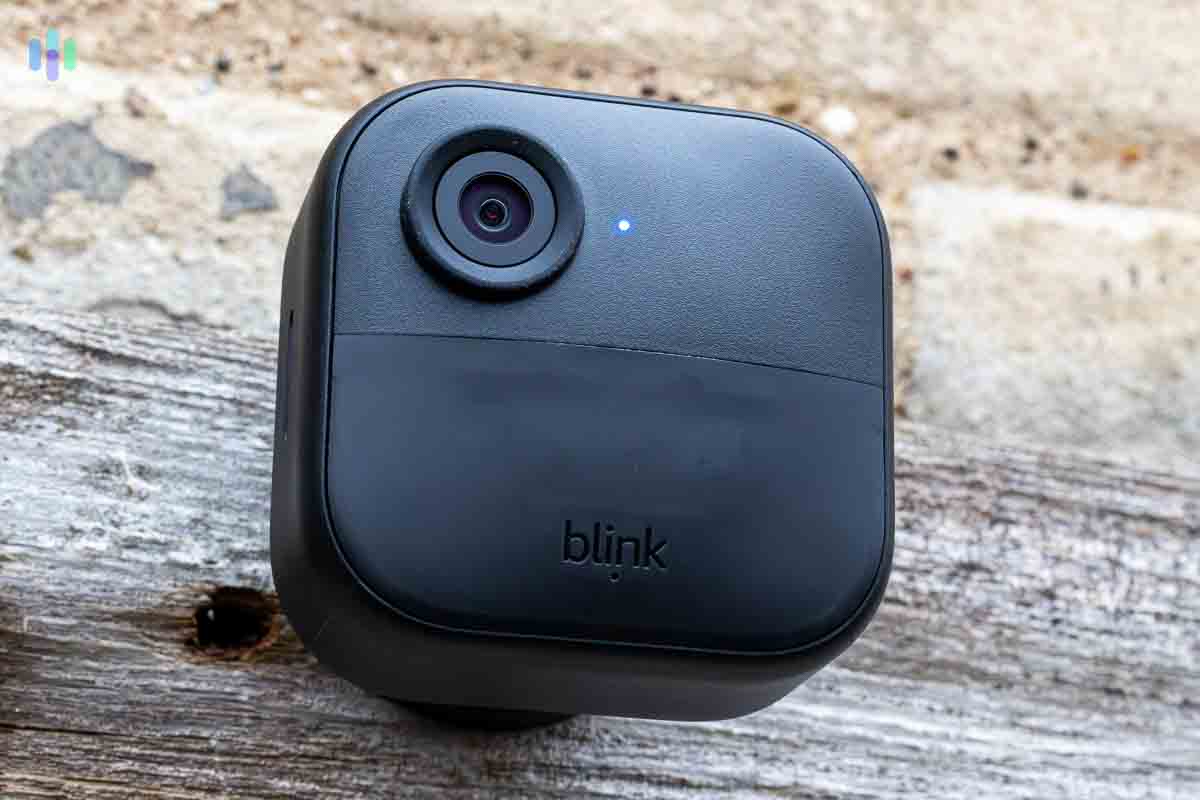
Cameras by Blink weren’t feature-rich but were good value for DIY video security. They were easy to install, had motion detection with customizable zones, and recorded with infrared vision at night.
How much storage did Blink provide for free? Each Sync Module 2 can connect with up to 10 Blink cameras, and while it doesn’t have any sort of built-in video storage, you can plug in a USB flash drive up to 256 GB to use as storage. Given the Blink cameras’ video resolution, 256GB should be enough to store months of motion and sound event videos.
If you wish to have cloud backup, though, Blink’s cloud plans are affordable, too. They start at $3 per month for 60 days of cloud storage for one camera, and go as high as $10 per month for 60 days of cloud storage for unlimited cameras.
link